
Shopify
To connect your Shopify account to Sitruna Logistics, follow the below steps:
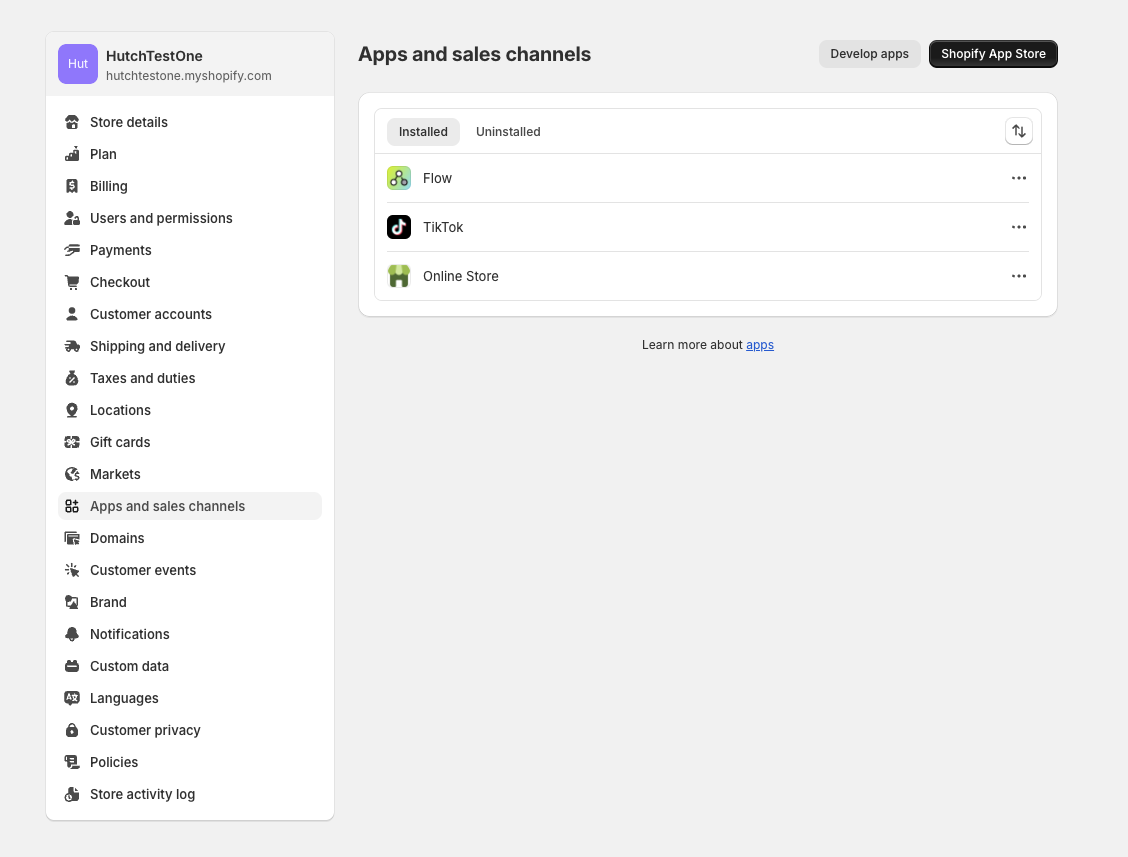
Navigate to the Settings section of the Shopify dashboard. Select Apps and sales channels from the sidebar.
Press the Develop apps button in the top right corner
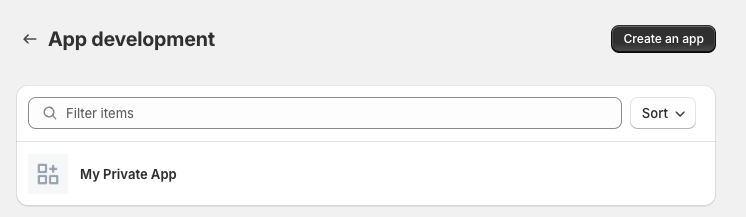
Press the Create an app button in the top right corner
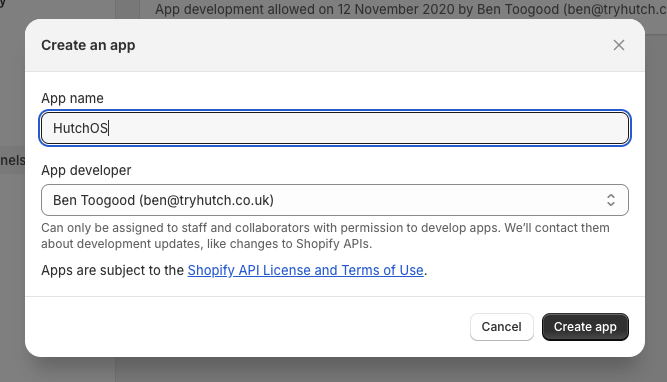
Enter the App name as
Sitruna Logisticsand then select yourself as the App developer (the below screenshots use the name "HutchOS").
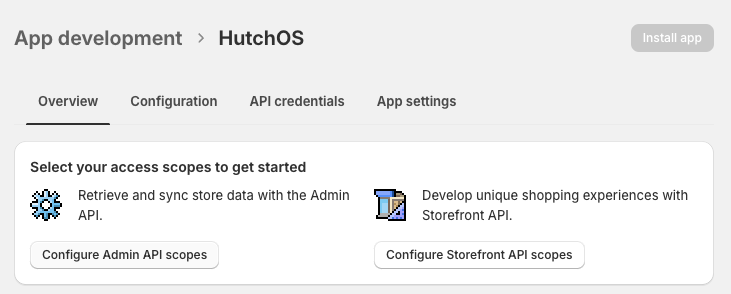
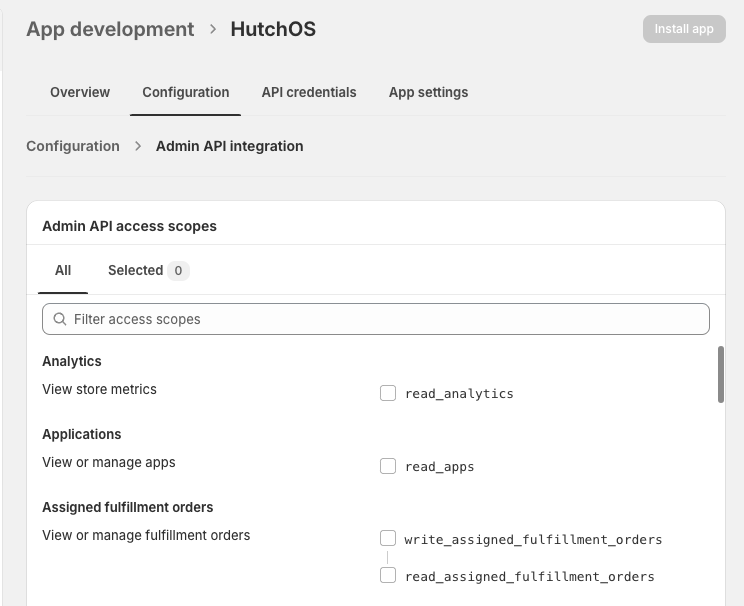
Press Configure Admin API Scopes
Enable the following scopes
Products: Read Access
Assigned fulfilment orders: Read and Write access
Fulfilment services: Read and Write access
Inventory: Read and Write access
Locations: Read access
Merchant-managed fulfilment orders: Read and Write access
Orders: Read and Write access
Third-party fulfilment orders: Read and Write access
View or manage fulfillment services: Read and Write access
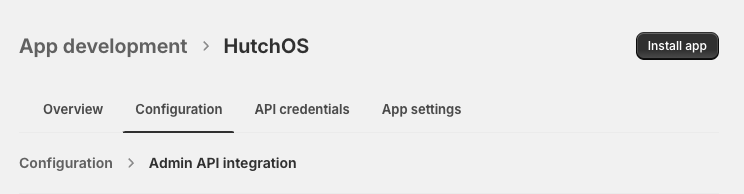
Press Install app
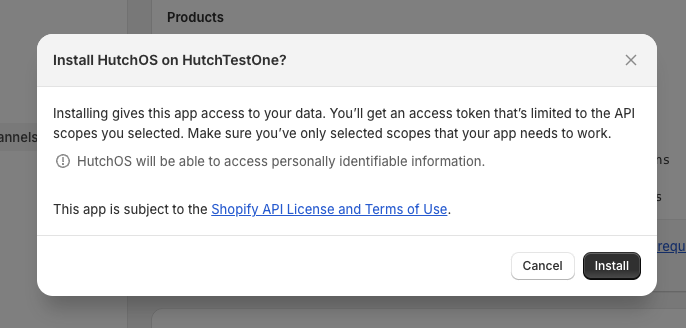
Confirm the popup
Note down the Access Token, then navigate to Settings > Integrations within the Pimento dashboard, and press Connect within the Shopify section.
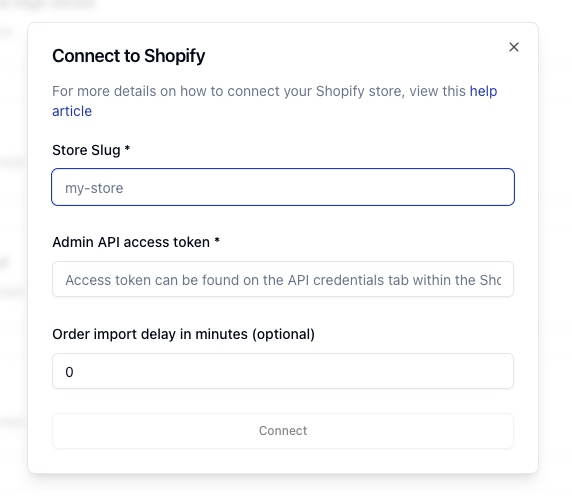
Enter your Store Slug, this can be found in the URL bar of the Shopify dashboard

Enter the Access Token you noted down in the earlier step.
Press Connect, your Shopify store is now connected to Sitruna Logistics.