
WooCommerce
To connect your WooCommerce account to Sitruna Logistics, follow the below steps:
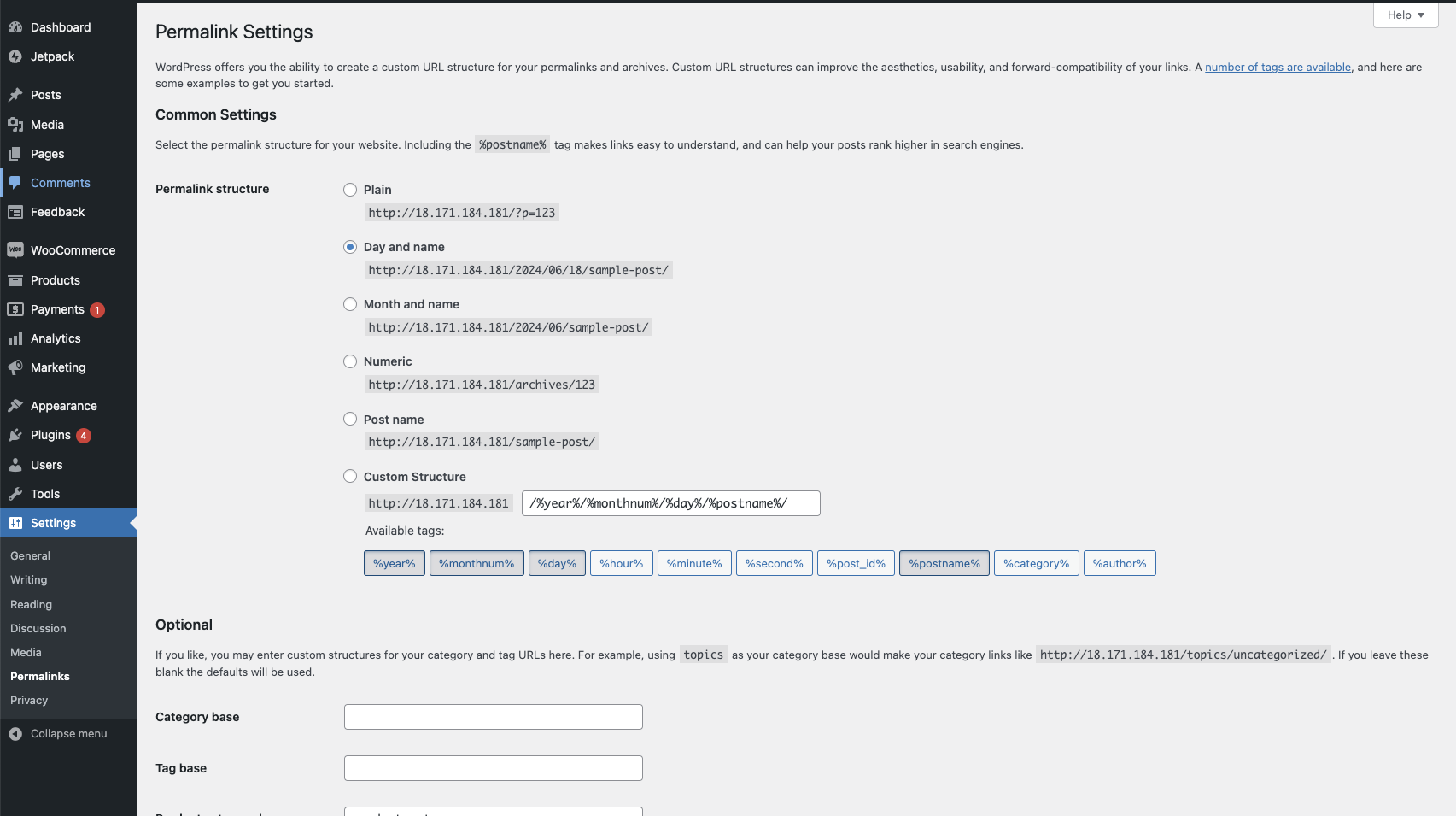
Navigate to Settings > Permalinks within the Wordpress sidebar. Ensure the Permalink structure is setup to Day and name.
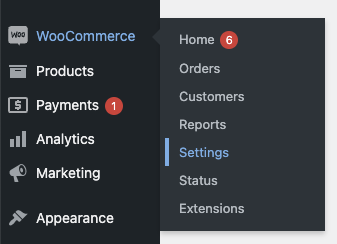
Within the WooCommerce tab of the sidebar, click on Settings
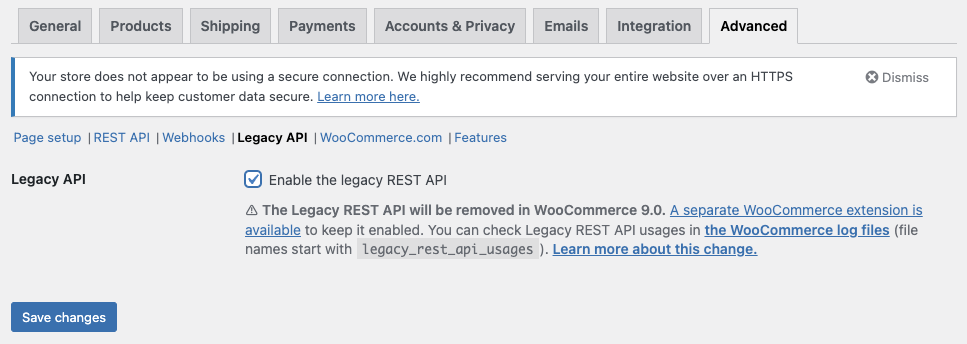
Within Advanced > Legacy API, ensure the Legacy API is enabled and saved.
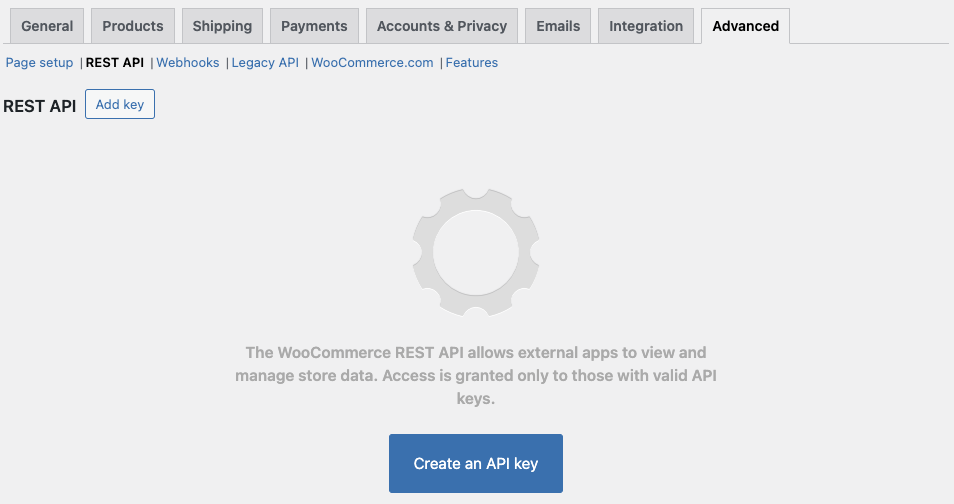
Next, go to Advanced > REST API and press Create an API Key
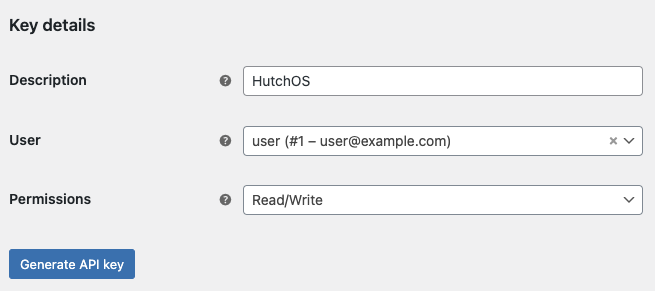
Enter Sitruna Logistics as the description and set permissions to
Read/Write. Then press Generate API key.
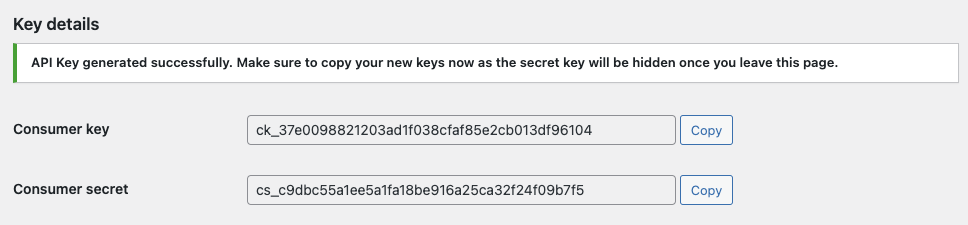
You will be provided with a Consumer Key and Consumer Secret. These will be needed in a later step.
Once you have the credentials, navigate to Settings > Integrations within the Pimento dashboard, and press Connect within the WooCommerce section.

Enter the Store URL (e.g.
https://www.mystore.com) along with the API Key and Secret generated in the earlier step.
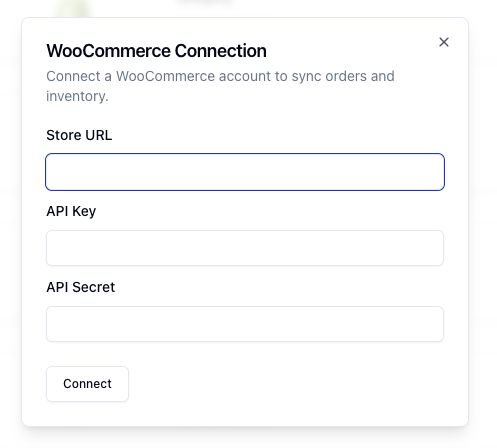
Press Connect and your WooCommerce store will now be connected to Sitruna Logistics.