
Create an Order or Amazon Shipment
Manually create an order for D2C, B2B for Amazon FBA inbound shipments via the Orders page on the dashboard.
Click + Create Order in the top right corner
Complete the basic information, including shipping method, shipping address and at the bottom you can add the SKU to send. Reference can be your order number or FBA Shipment ID.
For B2B orders
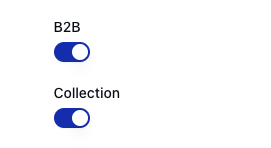
Toggle the B2B button to add a Purchase Order Number, invoice and packing note. Select "Collection" if we are arranging custom shipping (e.g. pallet collection)
For Amazon FBA Replenishments
Toggle on the B2B button and toggle Collection. We recommend using Amazon's Partner Carrier program for shipping, which is booked via Amazon Seller Central.
In the Packing Notes section, please mention this is a shipment into Amazon FBA.
If you have already created your shipment on Seller Central
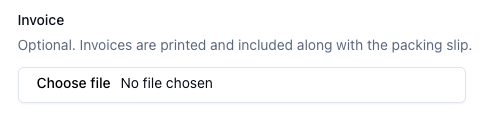
Please add your FBA Shipment ID as your Purchase Order Number and upload the FBA carton labels in the "Invoice" section
If you have not created your shipment on Seller Central
Submit the order and we will communicate with you over email to provide the required information (such as pallet or carton dimensions).
Please create the shipment on the dashboard before reaching out to us to request carton or pallet information.